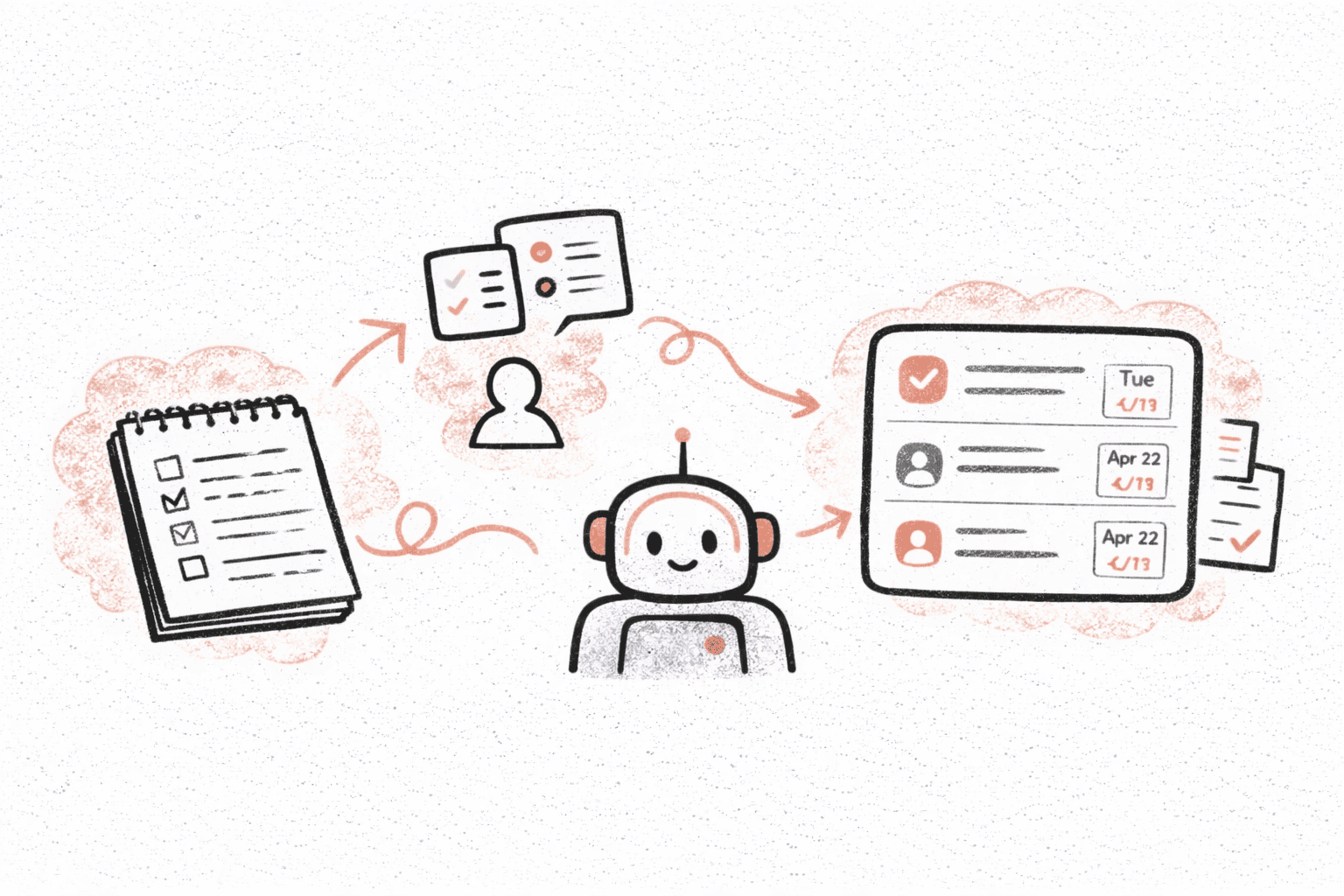
The Real Problem With Meeting Notes
Most teams already take meeting notes.
The problem is what happens after the meeting.
Notes usually end up as:
- long Google Docs no one revisits
- quick Slack messages that get buried
- bullet points without owners or deadlines
Everyone agrees on what needs to happen, but a week later things stall because no one clearly owns the next steps.
Turning conversations into real work is where most teams break down.
Why Action Items Get Lost
Even when people try to do the right thing, a few things usually get in the way:
- No one wants to volunteer to write follow-ups
- Important tasks are mentioned casually, not formally assigned
- Context gets lost when rewriting notes later
- People forget what was decided once the meeting ends
So instead of focusing on the work, teams spend time just trying to remember what they agreed on.
What “Automatic” Action Items Actually Mean
When people hear “automatic action items,” they sometimes imagine magic.
In reality, it means something simpler and much more useful:
- Listening to the actual conversation
- Identifying tasks as they’re discussed
- Structuring them with clear wording
- Suggesting owners and timelines
Instead of someone manually translating notes into tasks, the system does that step for you — while the conversation is still fresh.
Step 1: Start With the Source, Not the Summary
The biggest mistake teams make is starting from handwritten or rushed notes.
Important details are often:
- skipped
- shortened
- or interpreted differently by each person
Tools like Recal work directly from:
- meeting recordings
- Loom or video links
- audio files
That way, nothing depends on how good someone is at taking notes during the call.
You get the full context first — and structure second.
Step 2: Let the System Identify What Actually Needs to Be Done
Not every sentence in a meeting is a task.
Good action item extraction looks for things like:
- commitments
- follow-ups
- decisions that require execution
Instead of giving you a wall of text, you get a short list of:
- concrete next steps
- phrased as actual tasks
This already saves a lot of time compared to scanning notes and trying to decide what matters.
Step 3: Add Owners and Deadlines While Context Is Fresh
A task without an owner usually doesn’t get done.
That’s why turning notes into action items isn’t just about listing tasks — it’s about making them actionable.
With tools like Recal, tasks come with:
- suggested owners
- suggested timelines
You can quickly adjust them, but you don’t start from zero.
This is much easier than trying to assign responsibility days later when no one clearly remembers the discussion.
Step 4: Send Tasks Where Work Actually Happens
Even good task lists fail if they live in the wrong place.
After meetings, work usually continues in:
- Slack
- project management tools
- issue trackers like Linear
That’s why it’s important that action items don’t just stay inside meeting summaries.
With integrations, teams can:
- post recaps and tasks directly to Slack
- push tasks into Linear or similar tools
- keep everything linked back to the original meeting
So decisions don’t just get documented — they turn into real work items in the systems people already use.
Step 5: Use Action Items as a Weekly Reality Check
One unexpected benefit of automatic action items is how useful they are for weekly reviews.
Instead of asking:
What did we even decide last week?
Teams can simply look at:
- tasks created from meetings
- what’s done
- what’s still open
Because tasks come directly from real conversations, they’re usually more relevant than generic to-do lists.
This helps teams spot:
- blockers
- missed follow-ups
- repeated issues
before they turn into bigger problems.
What This Looks Like in Practice
Here’s a typical flow teams use:
During or After a Meeting
- Recording or link goes into Recal
- Recap and action items are generated automatically
Right After
- Tasks are reviewed and lightly edited
- Owners and priorities are confirmed
Then
- Tasks go to Slack or Linear
- Recap link is shared with anyone who missed the meeting
Later
- Weekly check-in shows what actually moved forward
No one writes follow-up emails.
No one rewrites notes into tasks.
The conversation becomes the workflow.
Who Benefits Most From Automatic Action Items
This approach is especially useful for:
- product and engineering teams
- sales and customer success teams
- founders running many parallel conversations
- agencies working with multiple clients
Anywhere decisions happen in meetings, automatic action items help make sure those decisions don’t stop at documentation.
Getting Started
If you want to try turning meeting notes into action items automatically:
- Send a meeting or Loom recording to Recal
- Review the recap and extracted tasks
- Adjust owners or deadlines if needed
- Send tasks to Slack or your task tool
Most teams realize pretty quickly how much manual work this replaces.
👉 Try it at https://app.tryrecal.com